

















Introduction to Defensive Security – TryHackMe Walkthrough
Defensive security focuses on protecting systems, networks, and data from cyber threats by preventing attacks, detecting suspicious activity, and responding effectively to security incidents. Unlike offensive security, which simulates attacks to discover weaknesses, defensive security is concerned with monitoring, analysis, and mitigation in real-world environments.
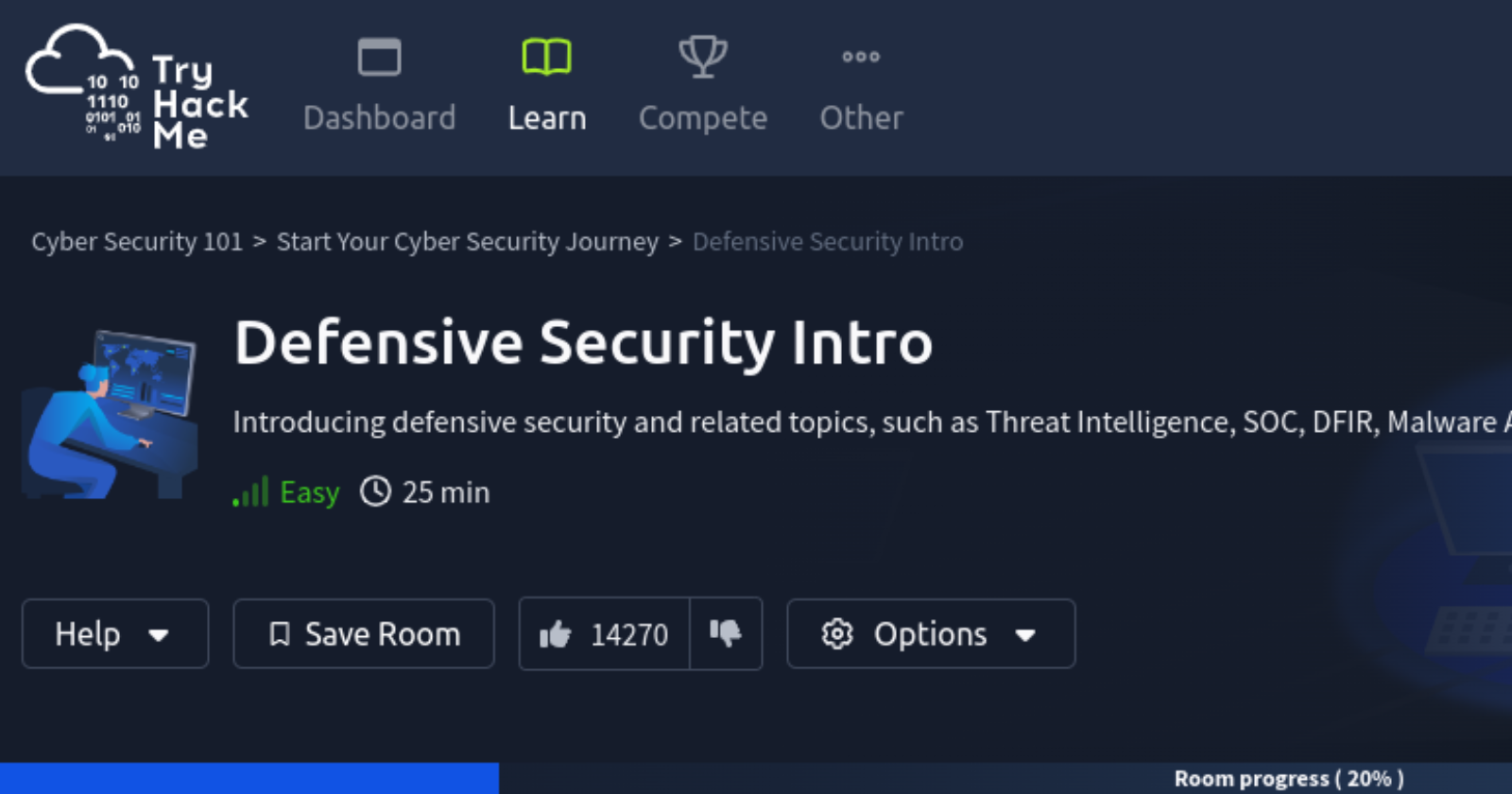
This blog serves as a step-by-step walkthrough of the “Intro to Defensive Security” room on TryHackMe, designed to help beginners understand how defensive security works in practice. The room introduces key defensive concepts such as Blue Team responsibilities, Security Operations Centers (SOC), Threat Intelligence, Digital Forensics and Incident Response (DFIR), and Malware Analysis.
Throughout this walkthrough, we will break down both the theoretical concepts and the hands-on tasks, including a simulated SIEM environment where alerts are analyzed, malicious IP addresses are identified, and incidents are escalated and contained. Each task is explained in simple language to help learners grasp how security analysts operate in real-world scenarios.
By the end of this walkthrough, you will have a clear understanding of the core areas of defensive security, how incidents are detected and handled, and what it means to work as part of a Blue Team in a modern cybersecurity environment.
Task 1
Introduction to Defensive Security
In the previous lesson, we learned about offensive security, which aims to identify and exploit system vulnerabilities to enhance security measures. This includes exploiting software bugs, leveraging insecure setups, and taking advantage of unenforced access control policies, among other strategies. Red teams and penetration testers specialize in these offensive techniques.
In this lesson, we will examine its counterpart, defensive security. It is concerned with two main tasks:
1. Preventing intrusions from occurring
2. Detecting intrusions when they occur and responding properly
Some of the tasks that are related to defensive security include:
- User cyber security awareness: Training users about cyber security helps protect against attacks targeting their systems.
- Documenting and managing assets: We need to know the systems and devices we must manage and protect adequately.
- Updating and patching systems: Ensuring that computers, servers, and network devices are correctly updated and patched against any known vulnerability (weakness).
- Setting up preventative security devices: firewall and intrusion prevention systems (IPS) are critical components of preventative security. Firewalls control what network traffic can go inside and what can leave the system or network. IPS blocks any network traffic that matches present rules and attack signatures.
- Setting up logging and monitoring devices: Proper network logging and monitoring are essential for detecting malicious activities and intrusions. If a new unauthorized device appears on our network, we should be able to detect it.
There is much more to defensive security:
· Security Operations Center (SOC)
· Threat Intelligence
· Digital Forensics and Incident Response (DFIR)
· Malware Analysis
Questions:
Which team focuses on defensive security?
Ans: Blue Team
Task 2
Areas of Defensive Security
Security Operations Center (SOC)
A Security Operations Center (SOC) is a team of cyber security professionals that monitors the network and its systems to detect malicious cyber security events. Some of the main areas of interest for a SOC are:
- Vulnerabilities: Whenever a system vulnerability (weakness) is discovered, it is essential to fix it by installing a proper update or patch.
- Unauthorized activity: Consider the case where a user’s login name and password are stolen, and the attacker uses them to log into the network..
- Network intrusions: No matter how good your security is, there is always a chance for an intrusion.
Threat Intelligence
In this context, intelligence refers to information you gather about actual and potential enemies. A threat is any action that can disrupt or adversely affect a system. Threat intelligence collects information to help the company better prepare against potential adversaries.
Digital Forensics and Incident Response (DFIR)
This section is about Digital Forensics and Incident Response (DFIR), and we will cover:
- Digital Forensics
- Incident Response
- Malware Analysis
Forensics is the application of science to investigate crimes and establish facts. With the use and spread of digital systems, such as computers and smartphones, a new branch of forensics was born to investigate related crimes: computer forensics, which later evolved into digital forensics.
- File System: Analyzing a digital forensics image (low-level copy) of a system’s storage reveals much information, such as installed programs, created files, partially overwritten files, and deleted files.
- System memory: If the attacker runs their malicious program in memory without saving it to the disk, taking a forensic image (low-level copy) of the system memory is the best way to analyze its contents and learn about the attack.
- System logs: Each client and server computer maintains different log files about what is happening. Log files provide plenty of information about what happened on a system. Network logs
- Network logs: Logs of the network packets that have traversed a network would help answer more questions about whether an attack is occurring and what it entails.
Incident Response
An incident usually refers to a data breach or cyber attack; however, in some cases, it can be something less critical, such as a misconfiguration, an intrusion attempt, or a policy violation.
The four major phases of the incident response process are:
- Preparation: This requires a team trained and ready to handle incidents. Ideally, various measures are put in place to prevent incidents from happening in the first place.
- Detection and Analysis: The team has the necessary resources to detect any incident; moreover, it is essential to analyze any detected incident further to learn about its severity.
- Containment, Eradication, and Recovery: Once an incident is detected, it is crucial to stop it from affecting other systems, eliminate it, and recover the affected systems.
- Post-Incident Activity: After a successful recovery, a report is produced, and the lesson learned is shared to prevent similar future incidents.
Malware Analysis
Malware stands for malicious software. Software refers to programs, documents, and files you can save on a disk or send over the network. Malware includes many types, such as:
- A virus is a piece of code (part of a program) that attaches itself to a program. It is designed to spread from one computer to another and works by altering, overwriting, and deleting files once it infects a computer. The result ranges from the computer becoming slow to unusable.
- Trojan Horse is a program that shows one desirable function but hides a malicious function underneath. For example, a victim might download a video player from a shady website that gives the attacker complete control over their system.
- Ransomware is a malicious program that encrypts the user’s files. Encryption makes the files unreadable without knowing the encryption password. The attacker offers the user the encryption password if the user is willing to pay a “ransom.
Malware analysis aims to learn about such malicious programs using various means:
- Static analysis works by inspecting the malicious program without running it. This usually requires solid knowledge of assembly language (the processor’s instruction set, i.e., the computer’s fundamental instructions).
- Dynamic analysis works by running the malware in a controlled environment and monitoring its activities. It lets you observe how the malware behaves when running.
Question:
What would you call a team of cyber security professionals that monitors a network and its systems for malicious events?
Ans: Security Operations Center
What does DFIR stand for?
Ans: Digital Forensics and Incident Response
Which kind of malware requires the user to pay money to regain access to their files?
Ans: ransomware
Task 3
Practical Example of Defensive Security
Simulating a SIEM
We have prepared a simplified, interactive simulation of a SIEM system to provide you with a hands-on experience similar to what cyber security analysts encounter.
To start this simulation, please click the "View Site" button below.
Step 1
Access to the SIEM Dashboard
Step 2
Only one Alert Log in Red Color out of the five.
Step 3
Copy the IP Address from Alert log
143.110.250.149
Step 4
Paste the IP Address
Step 5
Result Found! Reporting Malicious
Step 6
Select a person to whom the incident should be escalated.
Step 7
Add the Malicious IP Address to Firewall Block List
Step 8
Flag appeared
Question:
What is the flag that you obtained by following along?
Ans: THM{THREAT-BLOCKED}